Home / Blog
Blog
Step-by-step guides for better-looking, smoother streams.
How to stream on Twitch: a complete beginner’s guide
From an empty account to your first stream: what you need, setting up OBS, scenes, alerts, your stream info, a test run and what to do after.
Twitch graphics sizes: every image, in one cheat sheet
Profile picture, banner, offline banner, panels, emotes, badges, channel points, overlays and alerts, with the size to make each one.
OBS Studio vs Streamlabs Desktop: which should you use?
Price, performance, built-in alerts, themes, plugins and platforms compared, with a straight answer for beginners and for growing channels.
Best OBS settings for streaming (Twitch, YouTube and Kick)
Resolution, frame rate, encoder, bitrate, keyframes and audio, with the numbers to use for your connection and PC, and how to fix lag.
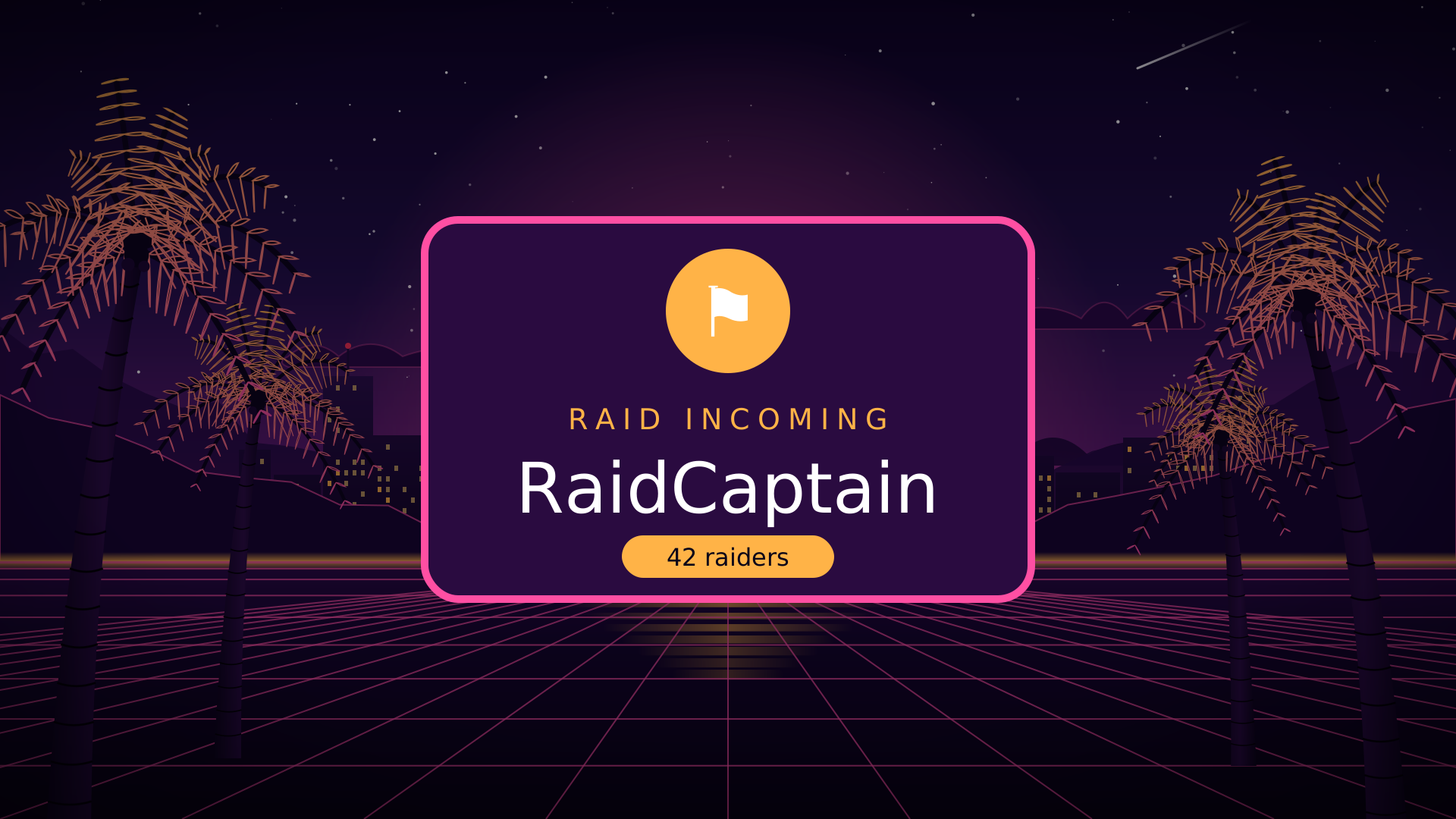
Stream alerts with sound: follows, subs and raids, set up the right way
How alert boxes work, how to add your own sounds in StreamElements or Streamlabs, how loud they should be, and when to use animated alert scenes.
Twitch panels: what to put in each one
The eight panels most channels need, what to write in each, the right image size and how to add them.
How to add a browser source in OBS Studio, step by step
Paste a link, set the size, get the sound right and make it play at the right moment, plus fixes for blank boxes and watermarks.
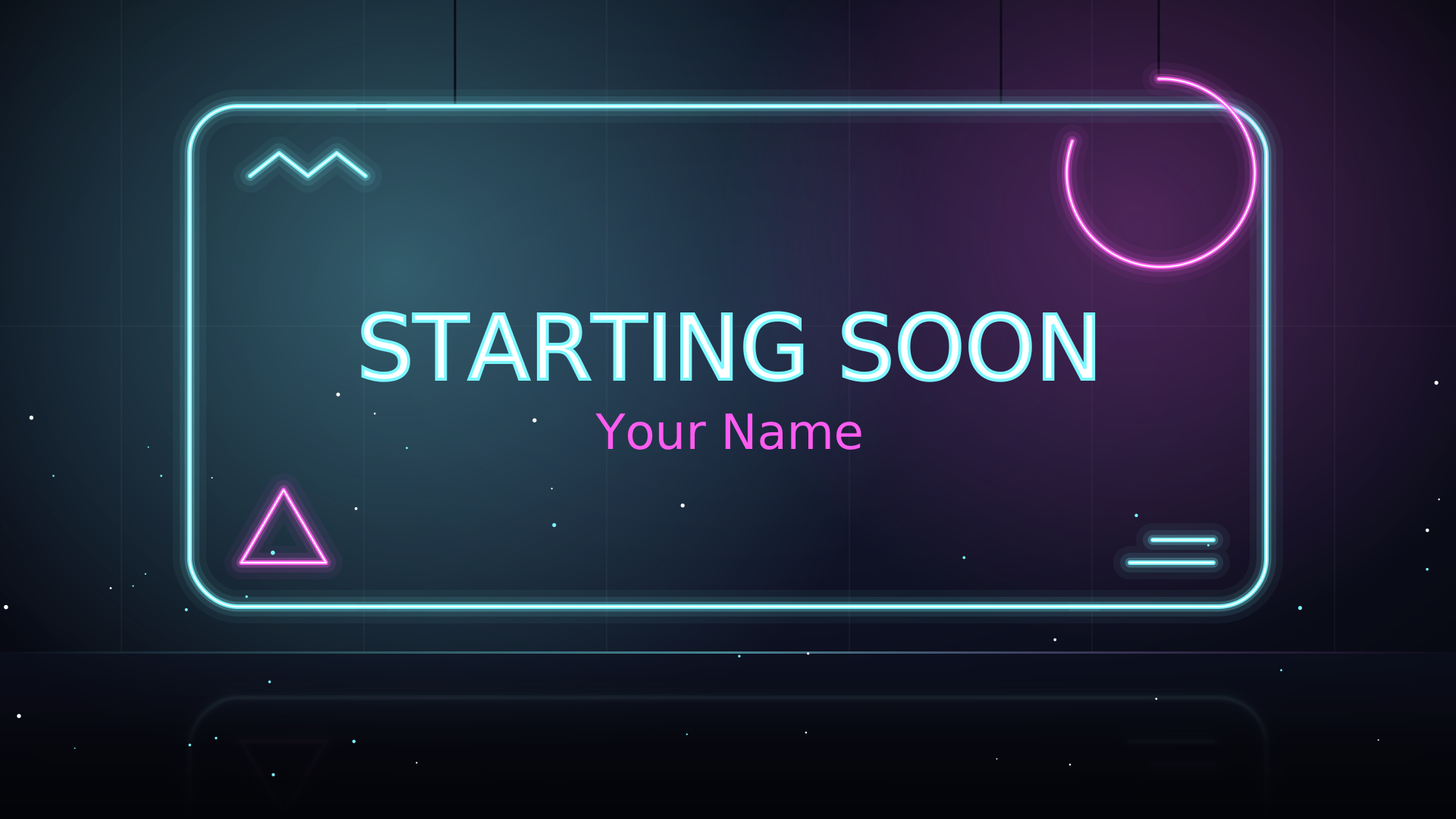
Starting Soon screens: how long, what to show, and how to set one up
Why the first five minutes matter, what belongs on the screen, the right length, and the mistakes that make viewers leave.