Twitch panels: what to put in each one
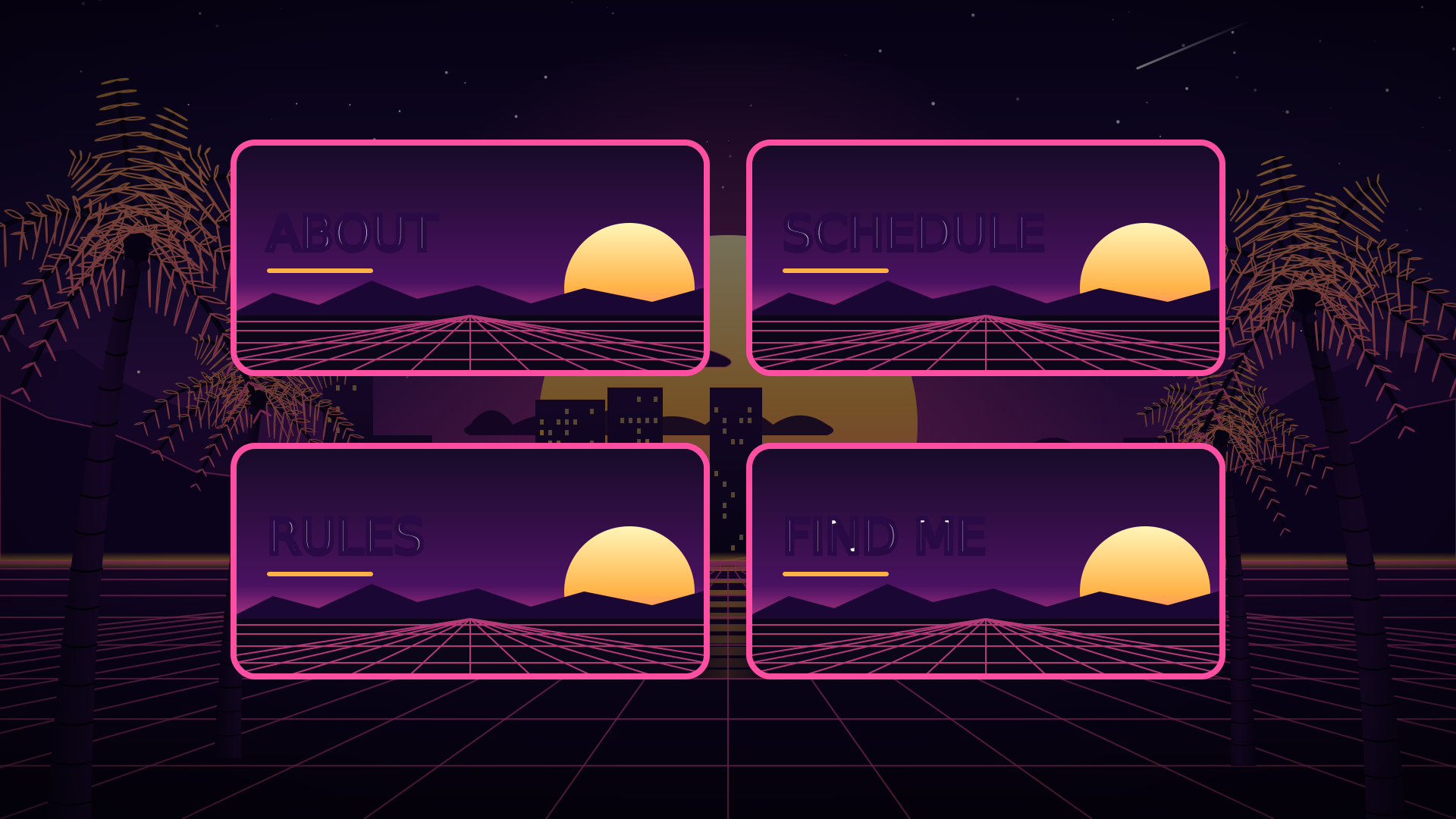
Panels are the images and short texts under the About section of your Twitch channel. Viewers who like your stream scroll down to them to find out who you are, when you’re live and where else to follow you. Here’s what to put in each.
Size
Twitch shows panels 320 pixels wide. Scenqo panels are 640 x 320, twice that, so they stay sharp on high-resolution screens and phones. Keep the image to a title and put the detail in the panel’s description.
How to add one
- Go to your channel page and open About.
- Turn on Edit Panels and click the + box.
- Upload the image, add a title, a link if the panel should open one, and the description text.
- Submit, then drag panels into the order you want.
The eight panels
- About: who you are and what the stream is, in three lines. Where you’re from and what you play.
- Schedule: days and times, with your time zone. Update it when it changes, or drop it.
- Rules: four or five short rules for chat. Be kind, no spoilers, no self-promotion.
- Socials: link the image to your main other channel and list the rest in the description.
- Support: how to support you (subs, bits, a tip link) and what it pays for.
- Setup: your camera, mic and PC. Viewers ask, and this answers it once.
- Commands: the chat commands your bot knows, like !discord and !socials.
- FAQ: the three questions chat asks most, with the answers.
Tips
- Put the most useful panel first. For most channels that’s About or Schedule.
- Link every image you can: a panel that opens something gets used.
- Keep the language the same as your stream. Scenqo panels come in English, Português (Brasil), Español and Deutsch.
- Make them match your overlay, so the channel page looks like the stream.
Scenqo panels are made on your download page, with your colours and language, and download as PNG ready to upload.
Scenqo packs are animated scenes you paste into OBS as links. First Light is free.