Menu
StorePalm NightFree packFree toolsBlogHelpAccount

Animated stream packs that just work.

Illustrated, moving scenes for every part of your stream: screens, alerts with their own sounds, panels and a transition. Type your name, pick your colours, paste one link per scene into OBS. Pay once, keep it forever.

Works with OBS Studio, Streamlabs and any browser source · Twitch, Kick, YouTube, TikTok · 4 languages

Shop by category

Full packsOverlaysAlertsTransitionsPanelsVerticalFree
First Light · Full pack

First Light · Full packFREE

The whole minimal-neon pack: screens, alerts, panels and the transition.

Free
Palm Night · Full pack

Palm Night · Full pack

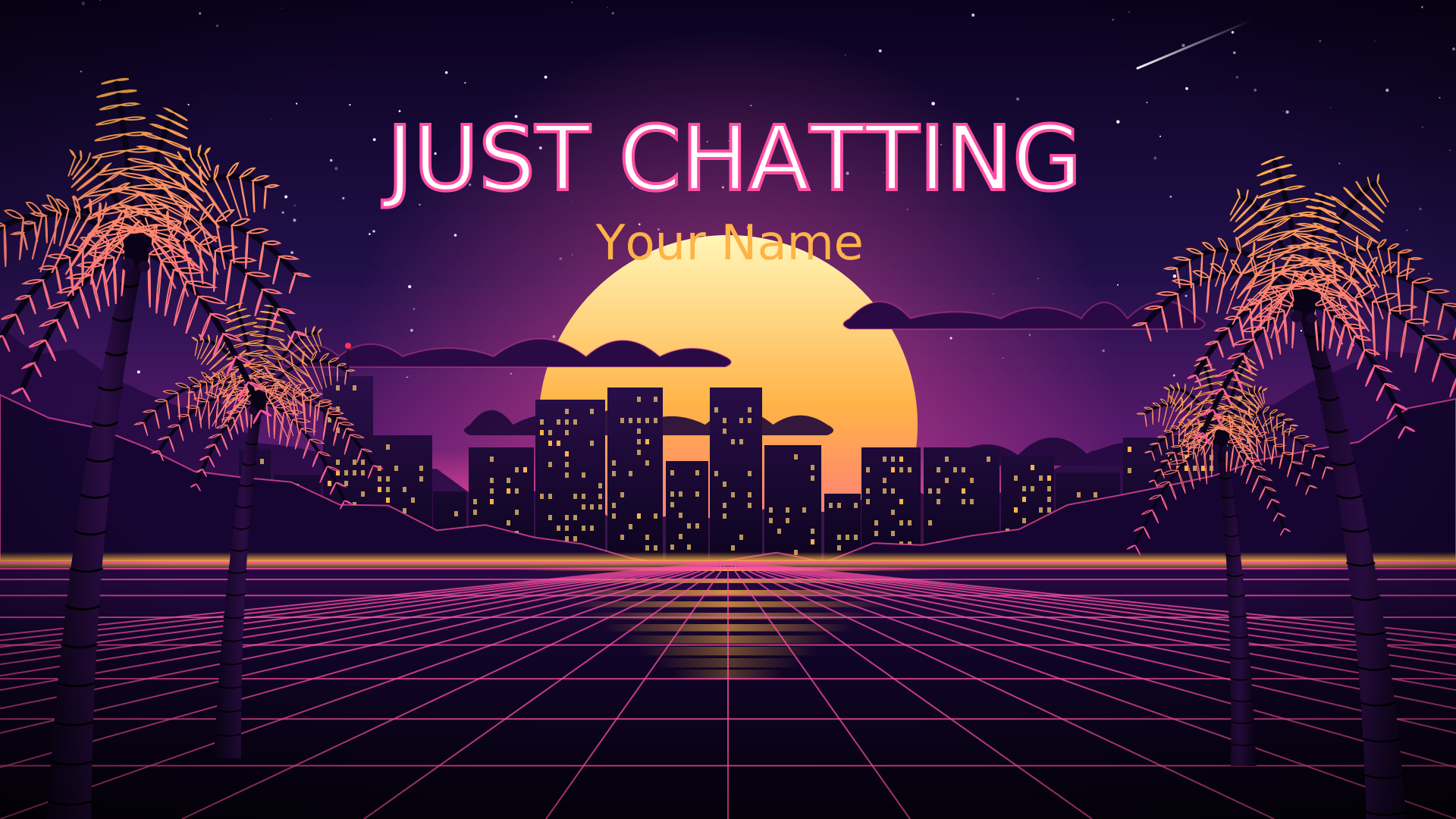
Everything: 4 screens, webcam frame, socials bar, 6 alerts with sounds, 8 panels, the transition and the vertical versions.

$18 $22
Palm Night · Alerts

Palm Night · Alerts

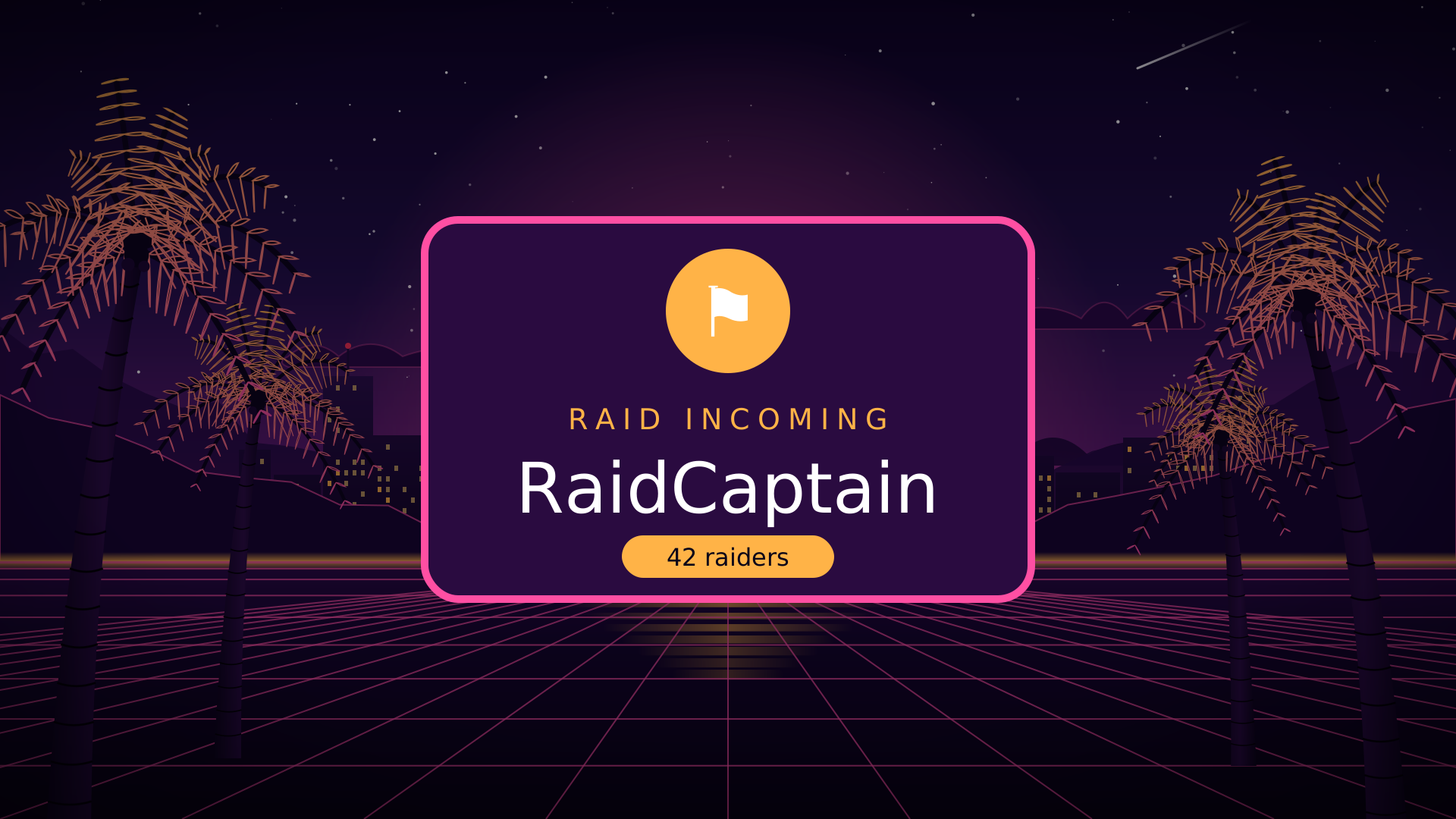
6 alerts (follow, sub, gift sub, bits, donation, raid), each with its own look and its own sound.

$14
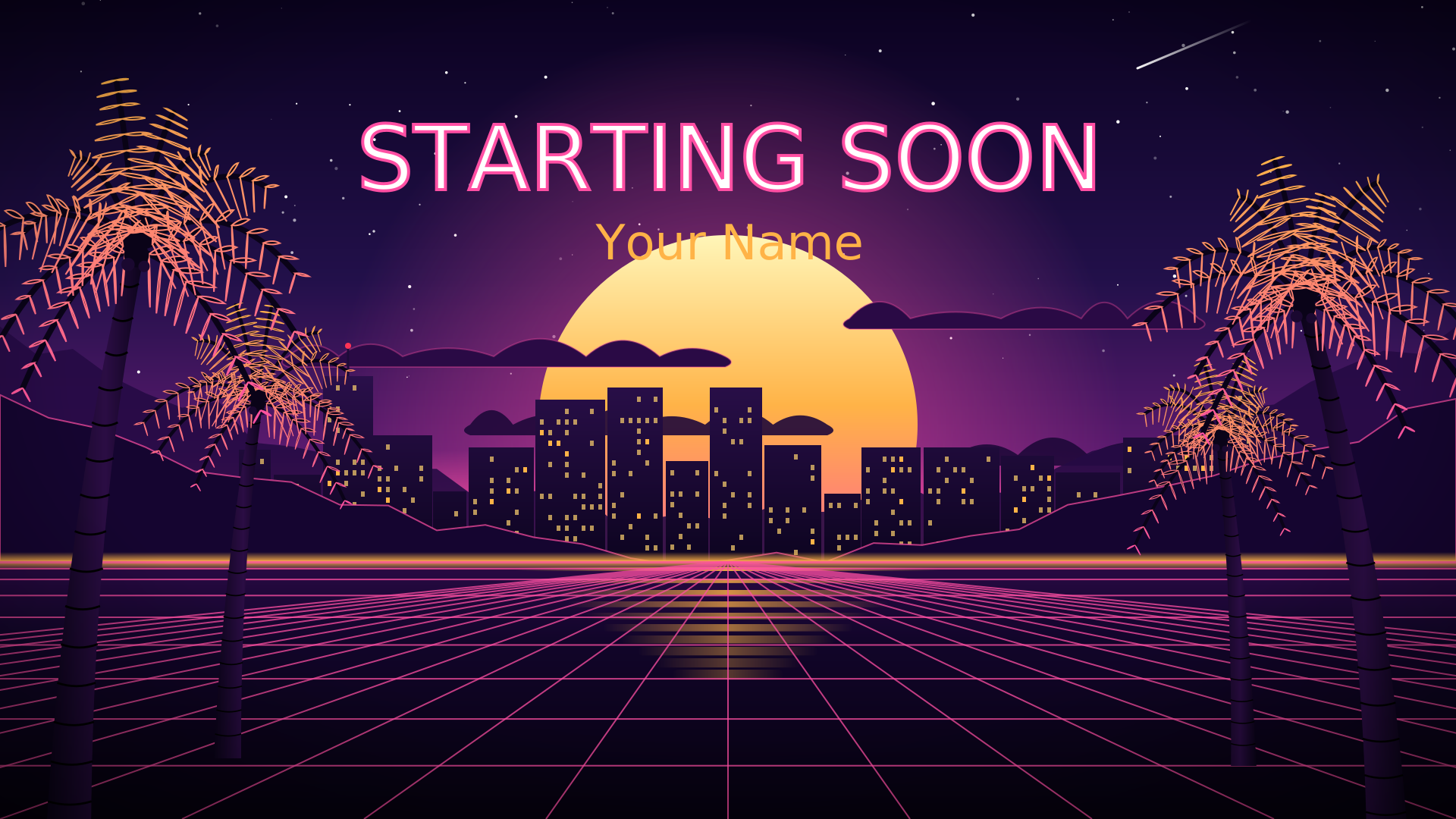
Palm Night · Overlays

Palm Night · Overlays

4 screens (Starting Soon with a countdown, BRB, Ending, Just Chatting), a webcam frame and a socials bar.

$14
See every pack and part →

Try it with your name

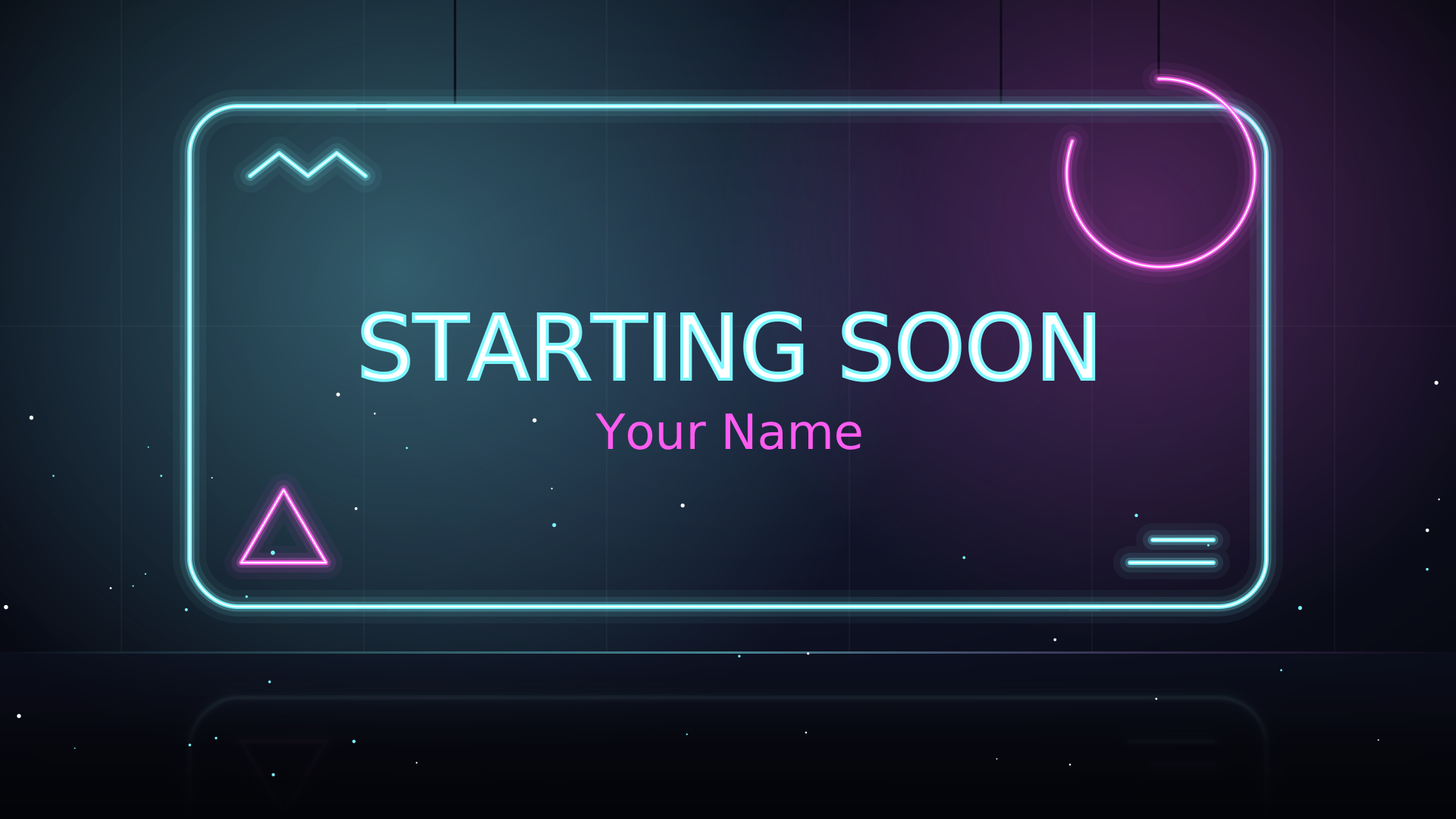
This is the real Starting Soon scene, running live. What you see here is what your viewers see.

The packs

Palm Night

Synthwave city nights: swaying palms, a striped sunset, a lit skyline, a moving neon grid and siren-light alerts.

$18 $22

See the pack

First Light

Minimal neon: glowing tubes on a dark studio wall, a glossy floor that reflects them and drifting light. Free, forever.

Free

Get it free

What’s in every pack

4 screens

Starting Soon with a live countdown, Be Right Back, Ending and Just Chatting, each a moving illustrated scene.

6 alerts

Follow, sub, gift sub, bits, donation and raid, each with its own look, a spark burst and a sound we made ourselves.

Webcam frame, socials bar, 8 panels, a transition

Everything matches. Panels download as PNGs ready for your channel page.

Any size, 4 languages

1080p, 1440p and vertical. English, Português (Brasil), Español and Deutsch.

How it works

1. Pick a pack

Start with First Light for free, or buy Palm Night: the full pack or just the parts you need.

2. Make it yours

On the setup page, type your name, colours, socials and schedule. You get one link per scene, plus an OBS scene-collection file.

3. Go live

Add each link as a Browser Source in OBS Studio or Streamlabs. Your download page never expires; an account is optional.

See it on stream

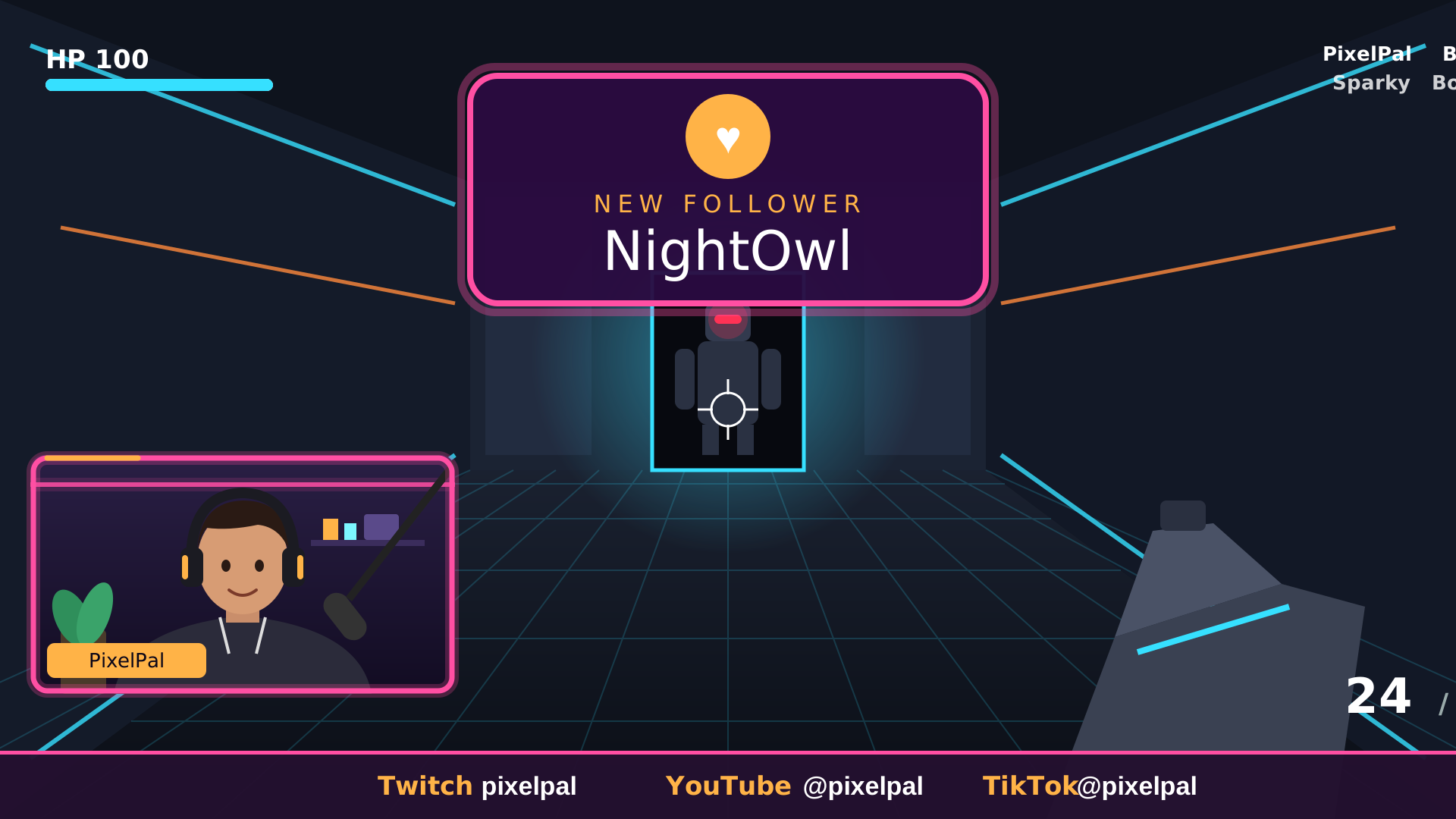
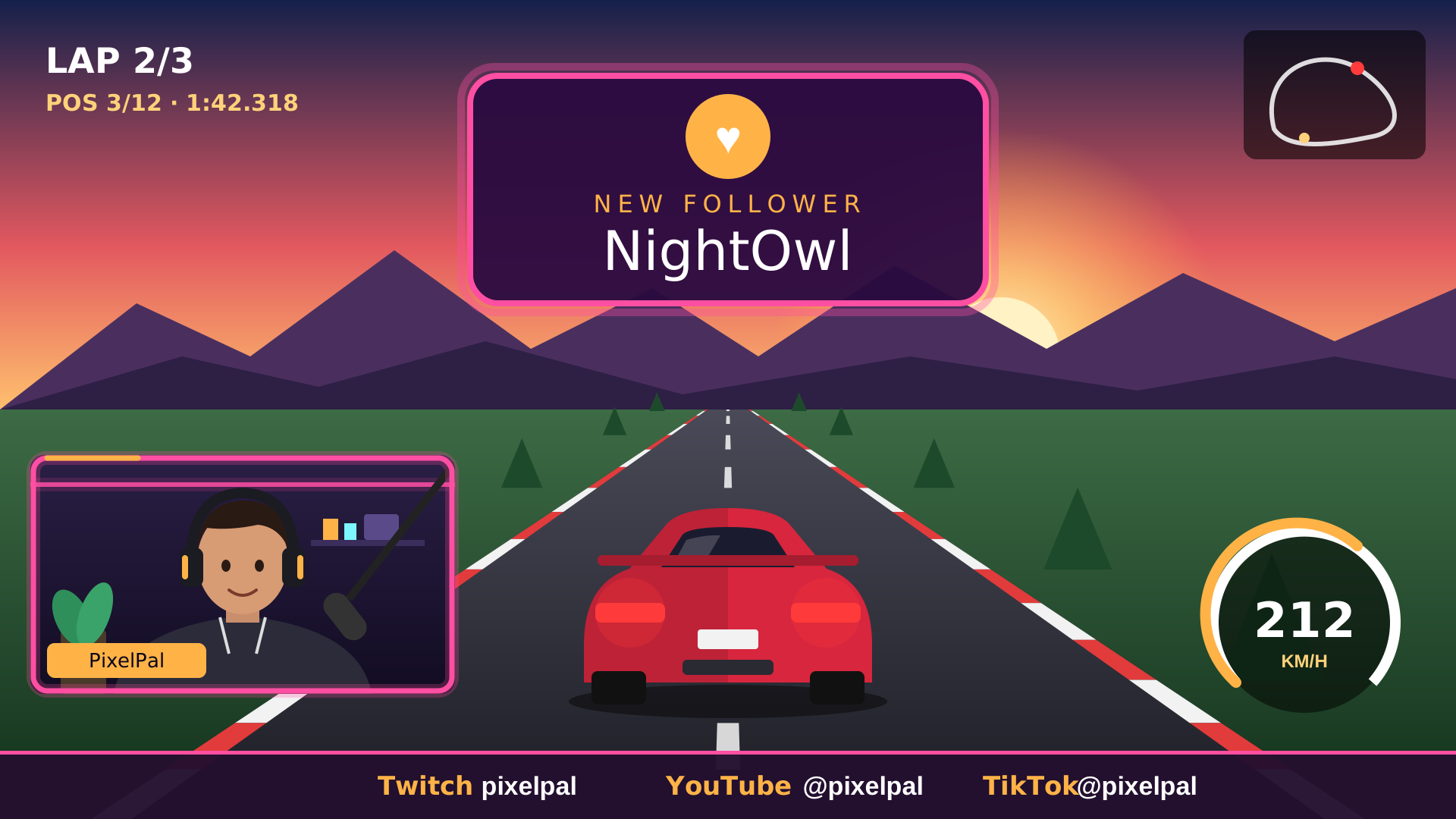
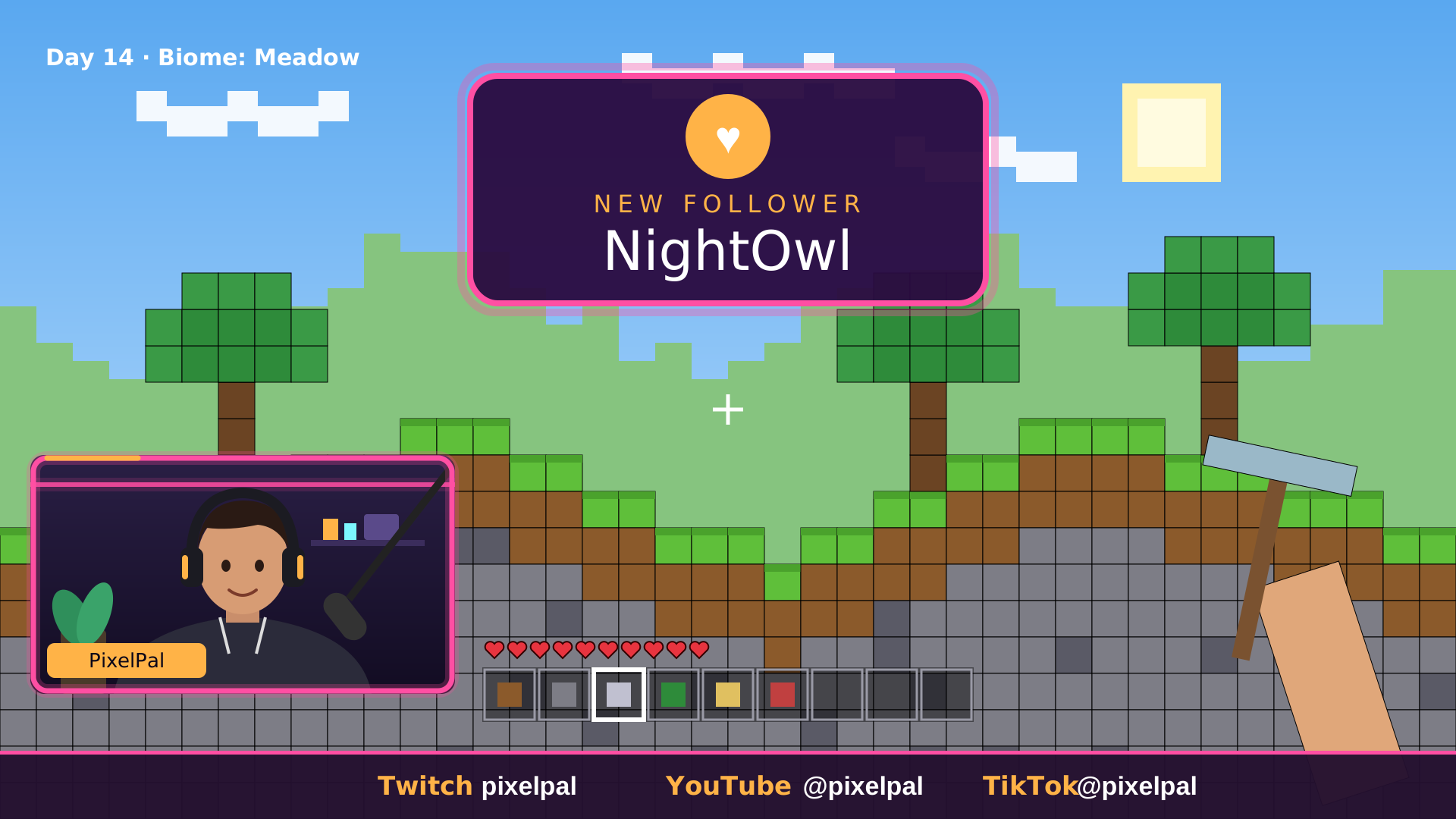
Mock-ups: the real Palm Night scenes laid over an illustrated stand-in game and webcam, the way they sit on a live layout.

Palm Night on stream over a racing game

Palm Night over a racing game

Click to run it live: the real webcam frame, socials bar and follow alert.

Palm Night on stream over a block-building game

Palm Night over a block-building game

Click to run it live: the real webcam frame, socials bar and follow alert.

Palm Night on stream over a arena shooter

Palm Night over a arena shooter

Click to run it live: the real webcam frame, socials bar and follow alert.

The licence in short

  • Use it on your own channels, including monetised streams and videos.
  • Change colours, text and language freely.
  • Don’t resell or share the files, links or order key.
  • Pay once, keep it forever.
Read the licence

Help when you need it

Step-by-step setup guides for OBS Studio, Streamlabs and StreamElements, plus a guide for every pack.

Help centreContact us

Questions

How do Scenqo packs work?

Each scene is a live web page. You personalise your name and colours once, then add each link to OBS or Streamlabs as a Browser Source, or import our OBS scene collection to set them all up at once.

Is First Light really free?

Yes: the whole pack, every screen, alert, panel and the transition. No card, no trial.

Does it work with Streamlabs and StreamElements?

Yes. The scenes run in OBS Studio or Streamlabs Desktop, and the alert sounds upload to a StreamElements or Streamlabs alert box.

Will it slow my PC down?

The scenes are lightweight web pages with no video to decode. Tick “Shutdown source when not visible” on scenes you aren’t showing.

What if it doesn’t work for me?

Paid packs have a 14-day refund if it doesn’t work and we can’t fix it. Free help: the help centre or contact us.

Free streamer tools

Stream title generator

Ten titles for your game and mood, with Twitch’s 140-character limit counted.

Twitch name generator

Names that follow Twitch’s rules, with a one-click check on twitch.tv.

Sub earnings calculator

What your subs, Prime subs and bits add up to each month.

See all 9 free tools →

Guides from the blog

How to add a browser source in OBS Studio, step by step

Paste a link, set the size, get the sound right and make it play at the right moment, plus fixes for blank boxes and watermarks.

2026-11-16 · 2 min read

Starting Soon screens: how long, what to show, and how to set one up

Why the first five minutes matter, what belongs on the screen, the right length, and the mistakes that make viewers leave.

2026-11-16 · 2 min read

Stream alerts with sound: follows, subs and raids, set up the right way

How alert boxes work, how to add your own sounds in StreamElements or Streamlabs, how loud they should be, and when to use animated alert scenes.

2026-11-17 · 2 min read

Works where you stream

OBS overlaysStreamlabs overlaysKick overlaysYouTube overlaysStreamElements overlays
? Help
Need a hand?
Set up Palm NightSet up First LightSomething’s not workingFind my orderContact us

We reply by email, usually within a day.